I'm Shifat Masud, a design engineer. This is the portfolio I spent years unable to build.
“I was never able to build my portfolio because of technical limitations and a knowledge gap, so I wanted to express my inner self in this project. I wanted people to feel me, in my way: a person who dives deeper and finds new beginnings in endings.”
Shifat Masud
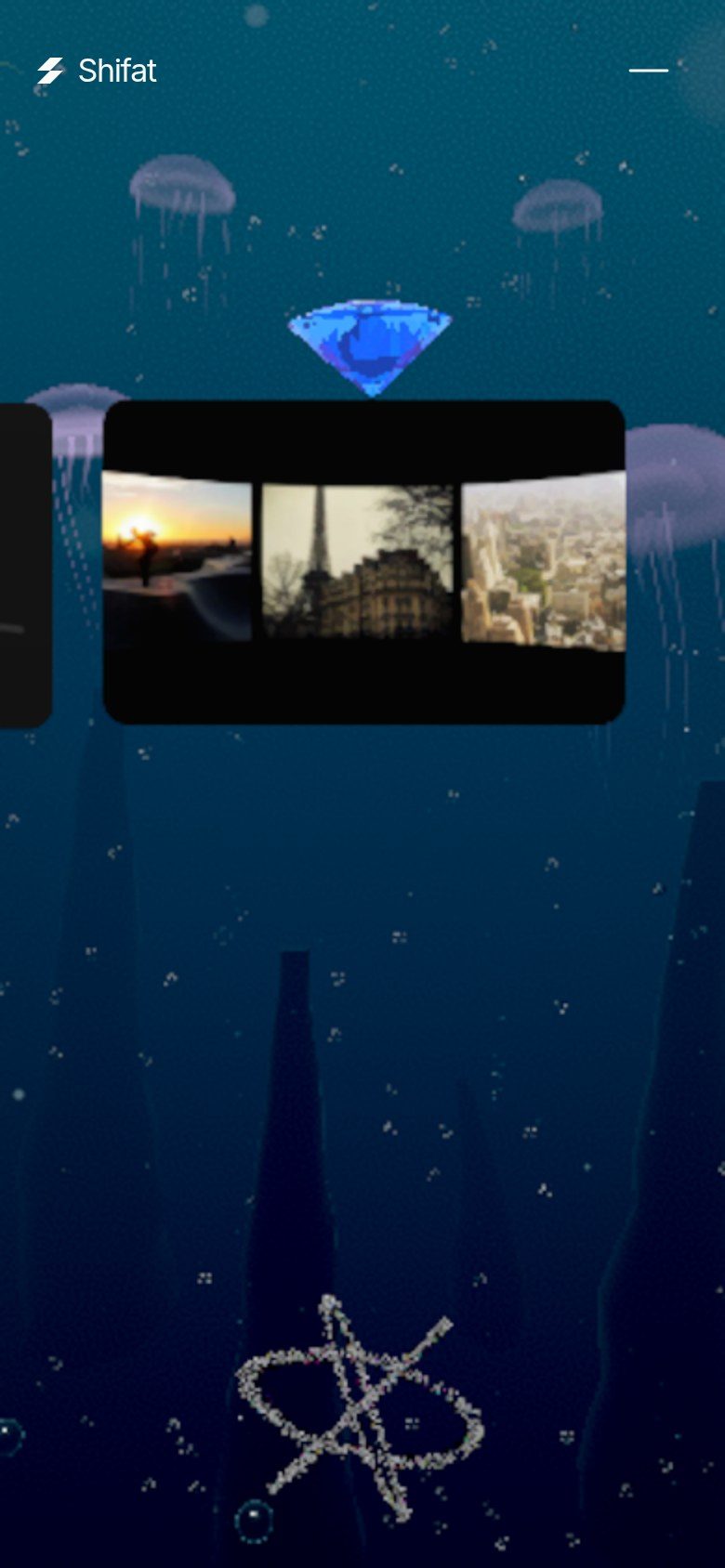
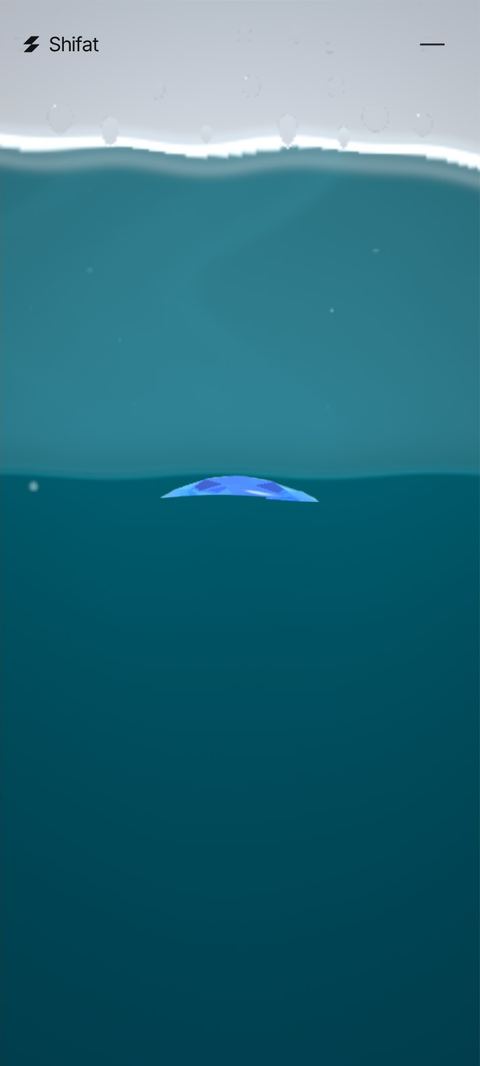
Surface Tension is that portfolio. It's a single scrolling page rendered in WebGL. You start on the surface of a still lake, sink through a deep-sea dive where my projects live, pass through my design systems, drift through space and a night forest, and come out at a footer that loops you back to the surface. The end is the beginning again.
I built it with Zero, my AI build partner. I set the vision, the rules and the taste. Zero wrote and measured the code, release after release, and I signed off on what shipped. My goal was simple to say and hard to do: it had to look like a top studio site and run without a stutter on my own phone, a budget Samsung Galaxy M02s.
This case study is the stuff I wish someone had told me before I started. Every section ends with something you can take into your own work.
01
Process: make taste measurable
 49.2 · first build91.66 · latest
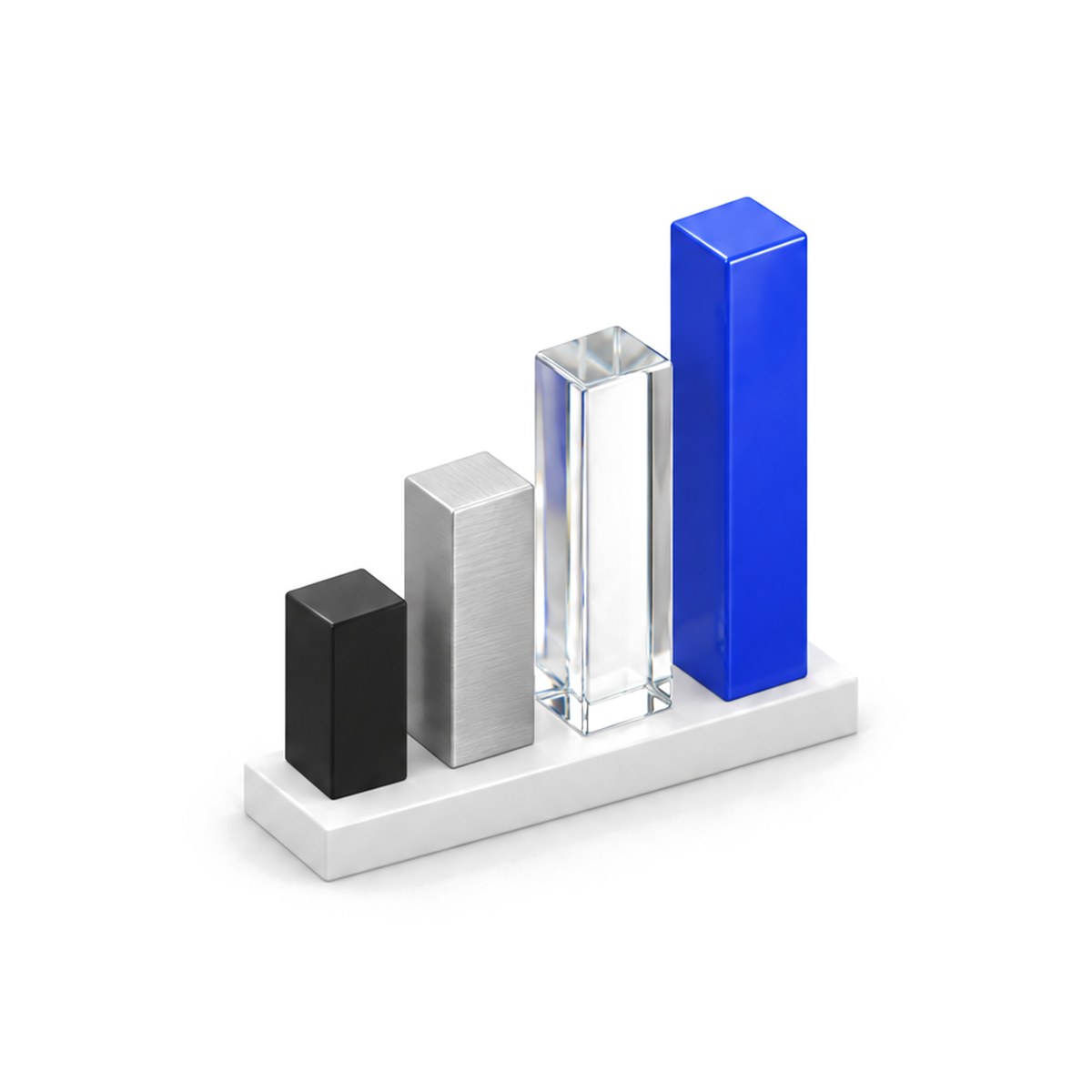
Most portfolio projects die in "almost done". To avoid that, we turned taste into a scorecard. Every release was graded on five pillars: Usability, Aesthetics, Delight, Accessibility and Performance. The composite score is just the average of the five.
The rule was that every release had to close about 20% of the remaining gap to 100. Not 20 points: 20% of what's left. That keeps the bar honest. Going from 49 to 59 is easy, but going from 90 to 92 is the same 20%, and it's brutally hard.
The first scored build was 49.2. The latest is 91.66. Late releases often fell short of the 20%: R6.77 closed only 3.4% of the gap, and the score says so. That honesty is the point. A scorecard that always goes up is a mood board, not a tool.
The second tool was a rules file. Every time I said "never do that again", it became a written rule, and some rules became locks. A lock is a file or a look that no one is allowed to change without my OK: the cursor trail, the header ink, the preloader look, every piece of text and every number. When you iterate fast, locks protect the things you already love from being "improved" by accident.
How we decide
Auto-fill at 80%, options:
A) fills itself, loops up, scroll holds 0.8 s.
B) Same + a tiny buzz on Android at the point of no return.
C) Same at 70%, easier but closer to accidental loops.
My pick: B.
B
02
Design: one camera, and the world moves past it
 One fixed camera, tilted 6°Scroll moves the world
The biggest design decision was about the camera. Early versions flew it around, with dollies and orbits. It looked impressive in a reel and felt like a theme-park ride when you were actually scrolling. So we wrote the rule: one fixed, front-facing camera for the whole site, tilted down 6°, with only about ±1.5° of pointer parallax. Scroll doesn't move the camera. It moves the world past the lens. No cuts, no fades.
The type follows the same Swiss discipline. Every text block is one row: headline left, subline right, aligned to the bottom, with a 40 px gap and no background boxes. On phones it simply stacks. Inter at 400, big, quiet, everywhere.
We also cut. One release removed two whole sections and made the page 35% shorter. Nothing made the site better faster than deleting the parts that only existed because they were easy to build.
03
Scrollytelling secrets
 The input: one scroll valueEvery layer reads the same number
If you take one thing from this case study, take this section. The difference between a premium scroll site and a janky one is almost never the 3D. It's how scroll is read, smoothed and turned into story. The feel of my scroll was inspired by lusion.co, the best scroll I've ever touched. I studied how it behaves and rebuilt that feeling from scratch for this site.
1. One clock, one number. Everything runs from a single animation loop in a fixed order: input, then scroll, then the sections (DOM), then audio, then the 3D scene, then post-processing. The scroll position is computed once per frame and every system reads that same number. DOM text and WebGL can't drift apart, because they literally move in the same frame. If your HTML and your canvas each listen to their own scroll events, they'll be a frame apart, and people feel that as "floaty".
2. Smooth toward a target, with an exponential curve. On desktop, the wheel doesn't move the page. It moves a target, and each frame the current position closes part of the distance: current += (target − current) × (1 − e^(−k·dt)). Because it uses real frame time, it feels the same at 60 Hz and 120 Hz. A k around 10 to 14 feels expensive; much lower feels drunk, much higher feels like no smoothing at all. Clamp each wheel event too (we use ±200 px), so one violent trackpad flick can't throw you three chapters down.
3. Fingers are 1:1, flings decay with friction. While a finger is down, the page follows it exactly, and the axis is decided on the first move. On release, the speed is a time-weighted average of the last 0.1 s of movement, with newer samples counting more. Then that speed decays with a friction that eases off slightly as it slows. That's what makes a fling land softly instead of stopping dead.
4. On phones, let the browser scroll. This one surprised me. On touch devices we turned our own scroll engine off and let the browser's compositor scroll the page. That scroll keeps running even when the main thread is busy, and the iOS address bar collapses like people expect. We just read the position once per frame. Anchors and the header's jump buttons still glide, and any touch takes over instantly.
5. Give every chapter its own 0→1. Each section measures its position only on resize, never during scroll (that's how you avoid layout thrash). Then every frame it gets a progress from 0 to 1 and a ratio from −1 (entering) to +1 (leaving). The 3D scene, the text rolls and the sound all key off those numbers. Sections pin with position: sticky, so focus, find-in-page and screen readers keep working.
6. Feed one "how hard am I scrolling" signal. We smooth the scroll speed into a 0→1 strength value. Bends, ripples and the audio mix all listen to it, so the world reacts to how you scroll, not just where you are.
7. Make the ending a beginning. Past the footer, the page wraps back to the hero. The first version was a 3-second glide to the top, and any leftover trackpad inertia cancelled it halfway, dropping you in the middle of space. The fix: one instant jump, the outgoing frame frozen and dissolved over the hero, and the leftover inertia ignored for a moment (up to 1.8 s while it's still streaming). A fresh, deliberate flick is accepted immediately. That loop is the whole idea of the site: dive deep, and come back up to a new beginning.
04
Animation: the preloader is a work budget
 Small slices of warm-up per frameThe counter never freezes
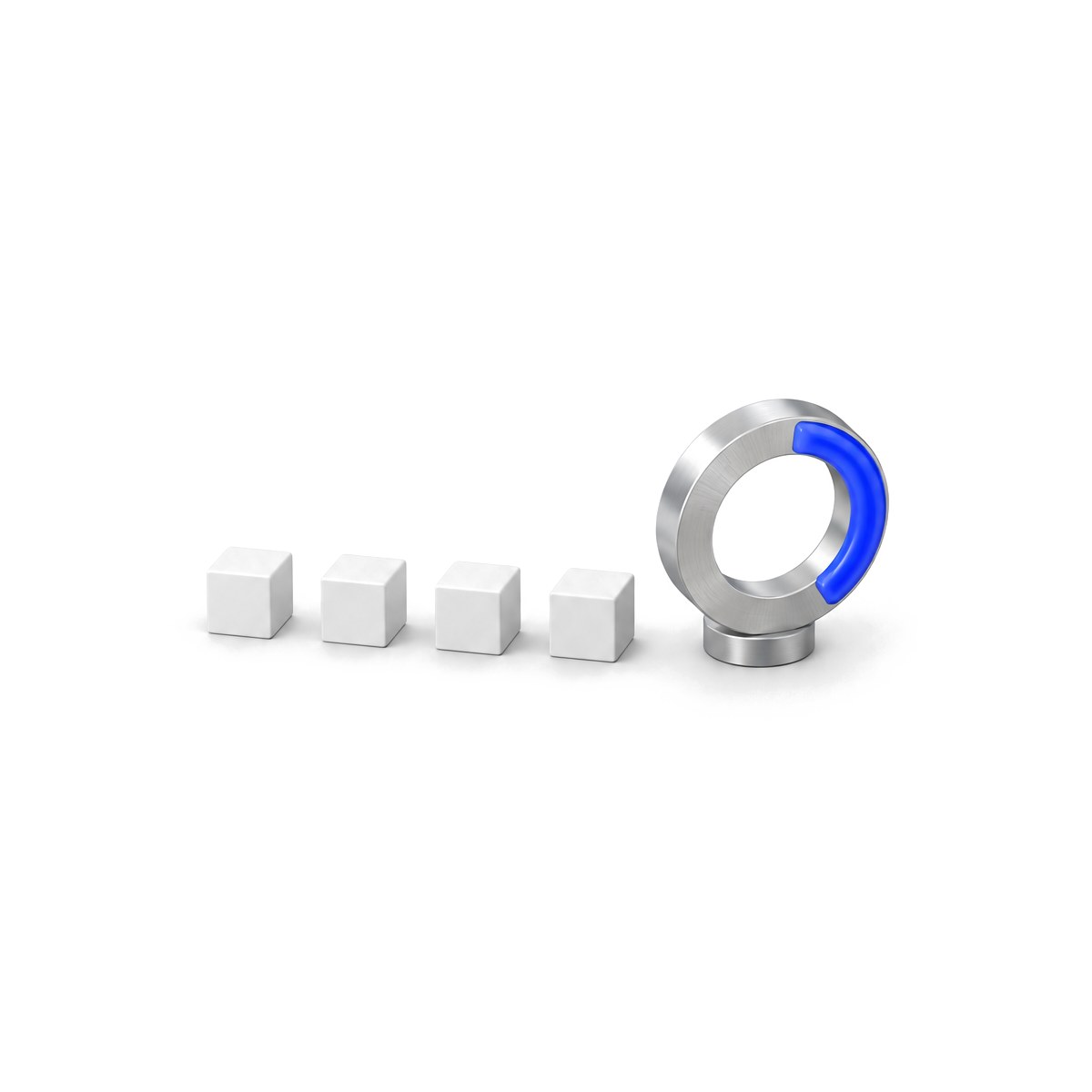
Most preloaders are decoration. Mine is a work budget. The odometer counts only what the first screen needs: the code for the shell and the hero (weighted by bytes), the font, and the hero's GPU warm-up. Shaders compile in parallel where the browser supports it (KHR_parallel_shader_compile), so the counter keeps rolling instead of freezing while a shader links.
Then, behind the curtain, we also warm up the later chapters in small slices: build their geometry step by step, compile every shader against the exact lights and fog it will be drawn with (so nothing compiles again on first view), upload textures, allocate render targets. Nothing is drawn, so the picture doesn't change. You just never pay for it on the way down the page. The preloader is allowed to hold a bit longer to make this happen, up to a 12-second cap.
05
The cursor trail
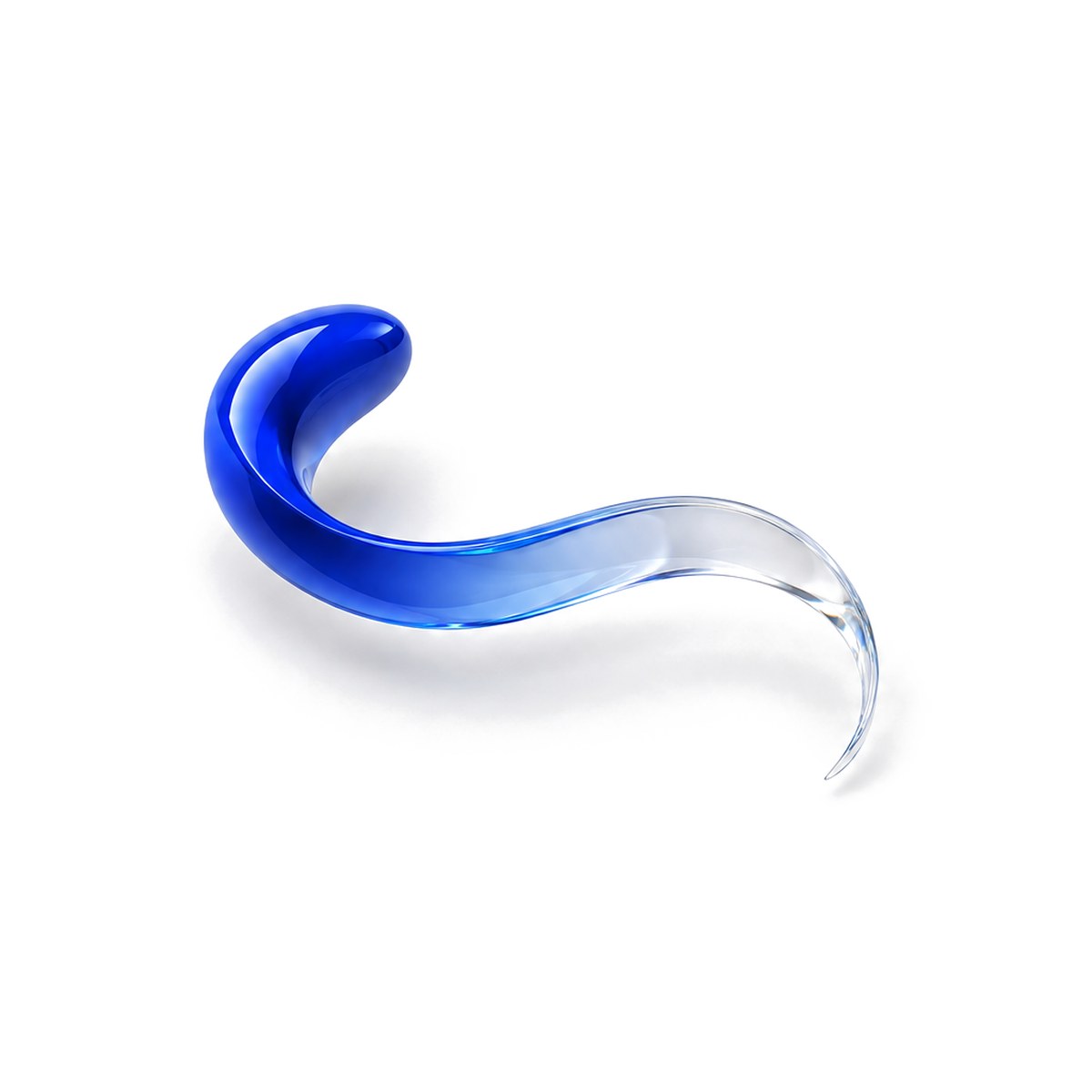 Head: short, bright, fades fastTail: long, fades slower
The trail is my favorite detail and the one I fought hardest for. It's inspired by lusion.co, and I wanted the same feel: a trail that behaves like ink in water, not a sparkle following the mouse.
The idea is simple. The pointer doesn't draw a line. It paints velocity into a small texture, and that texture keeps moving and fading by itself:
- two channels store the direction and speed of movement, fading slowly;
- one channel is the long tail, fading at a medium rate;
- one channel is the short, bright head, fading fast.
The texture runs at a quarter of the screen size, with a blurred, even smaller copy that acts as a "push" field. Every frame it reads its previous state, adds the new stroke, and blurs. Then a post-processing pass uses it to displace and tint the image. Because the work happens on tiny textures, it's cheap enough for a phone.
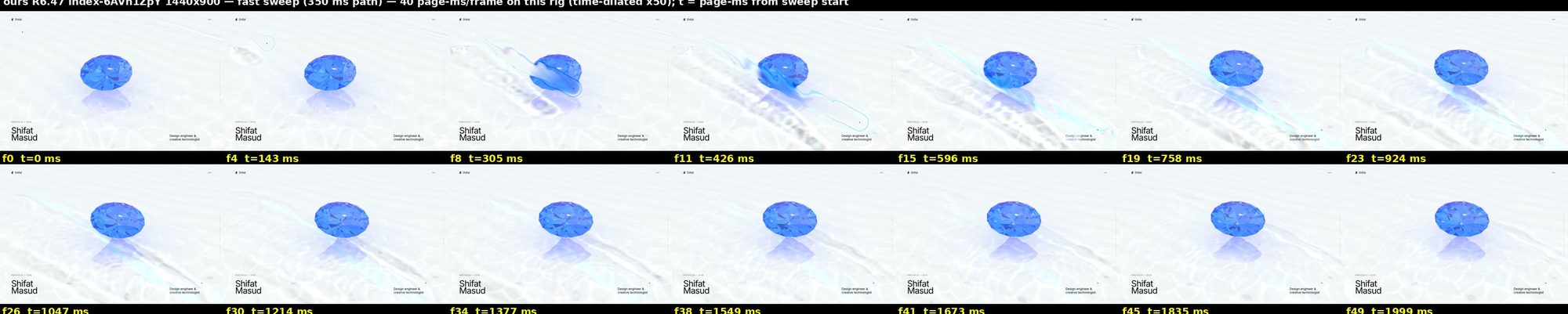
The hard part was parity: matching the feel, not just the look. The test browser rendered that kind of site at less than one frame per second, so we slowed the page's clocks down 50 times and captured the trail frame by frame: slow strokes, fast flicks, circles and holds, side by side with the reference. That's how we tuned head length, tail length and fade until they matched. Then the trail got a lock.
06
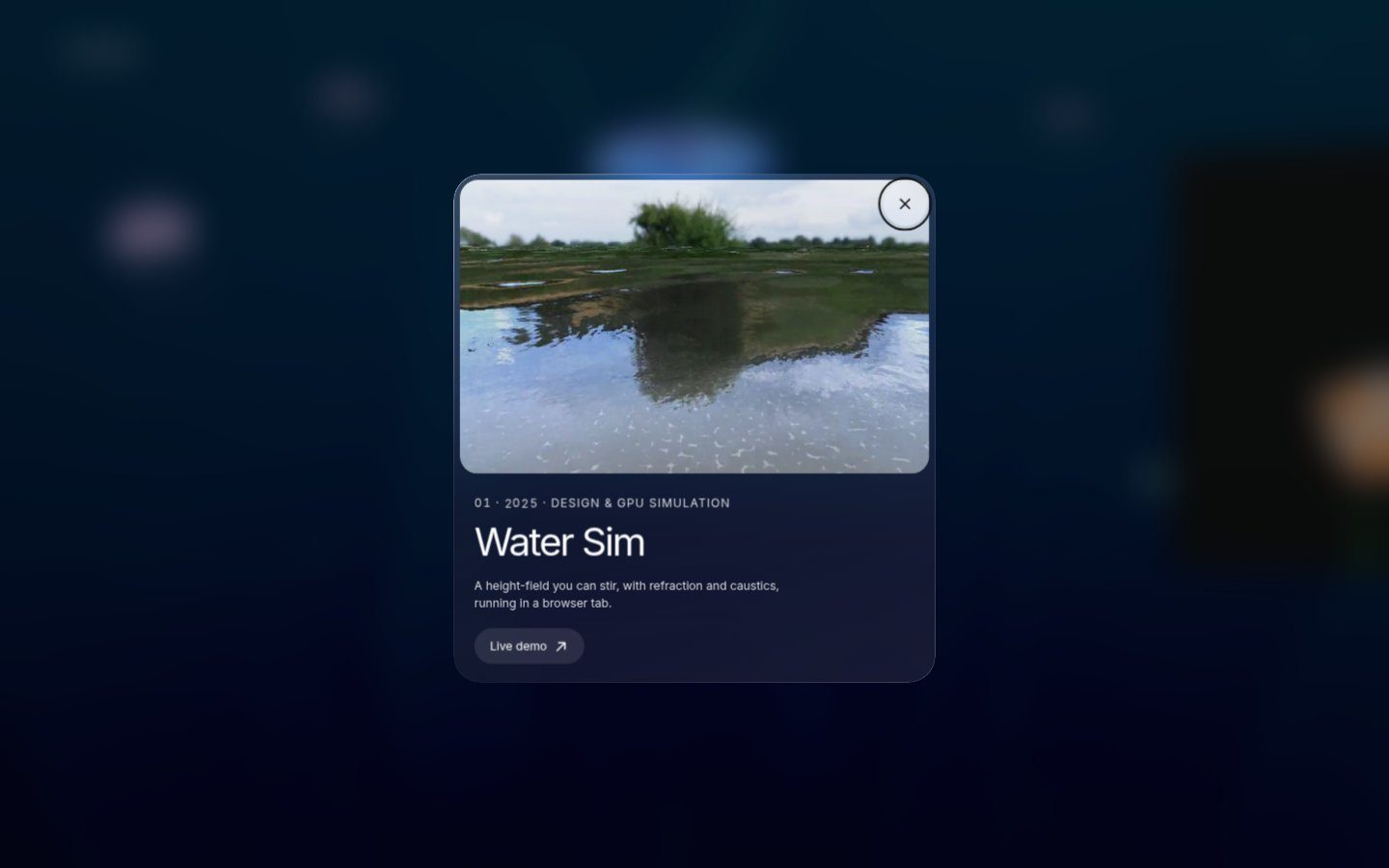
The water
 GPU wave sim · 512² / 256²Caustics are light, never darkening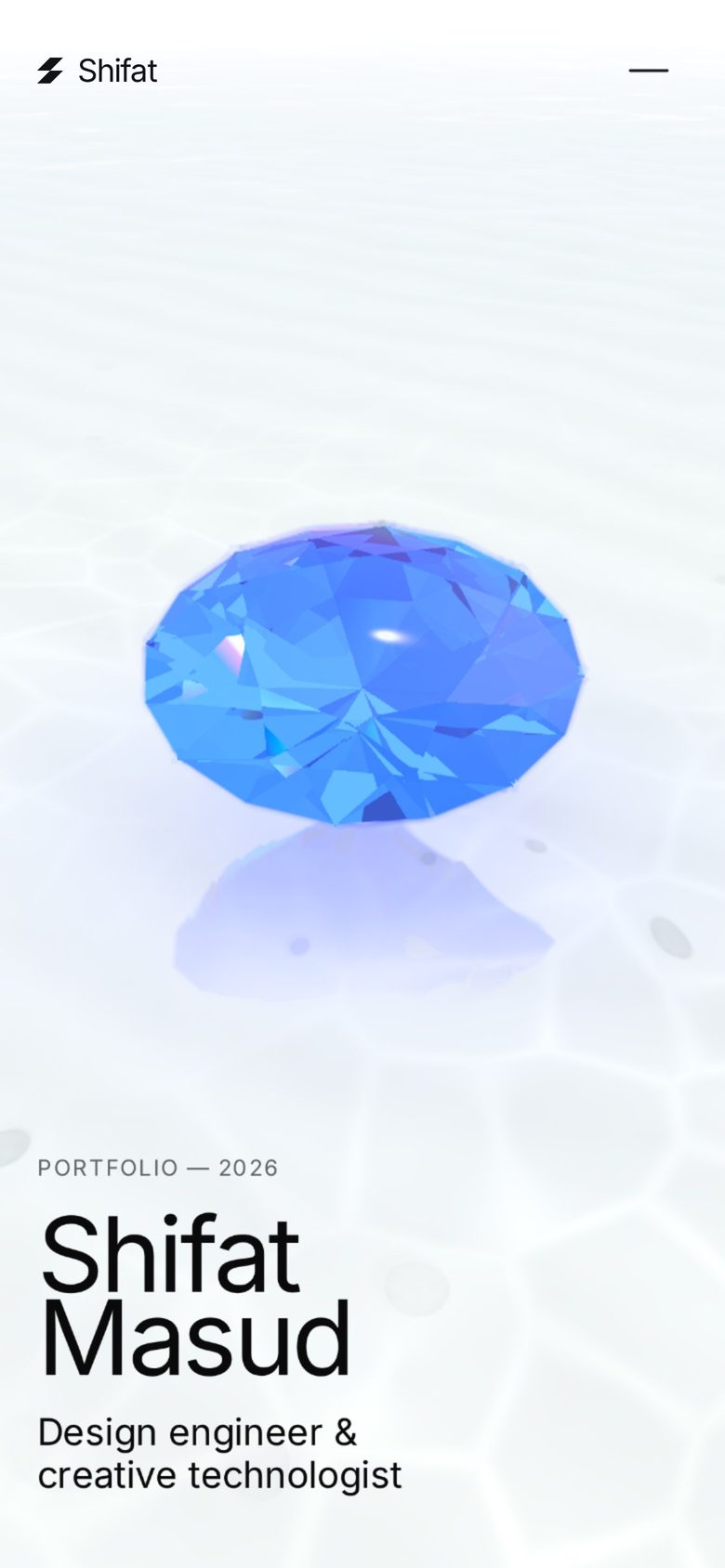
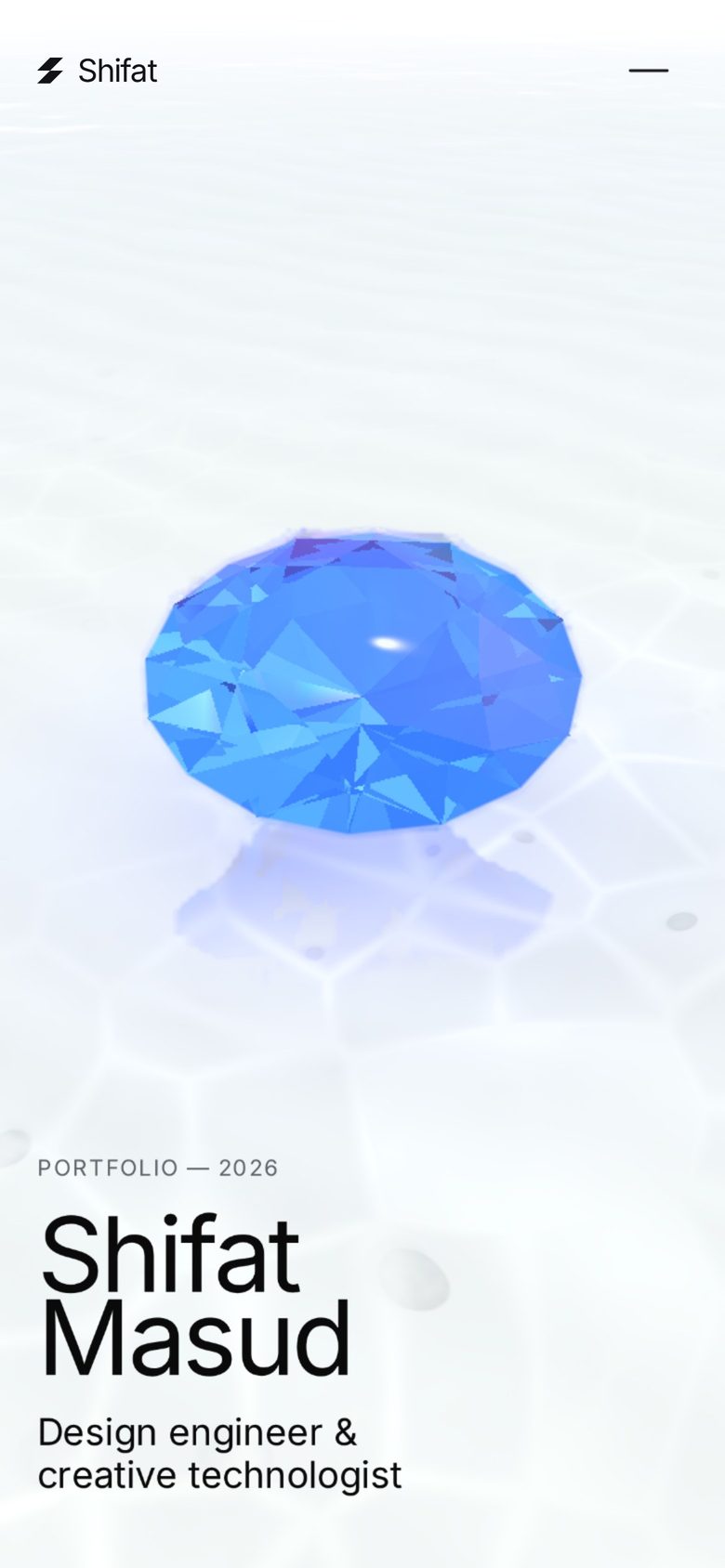
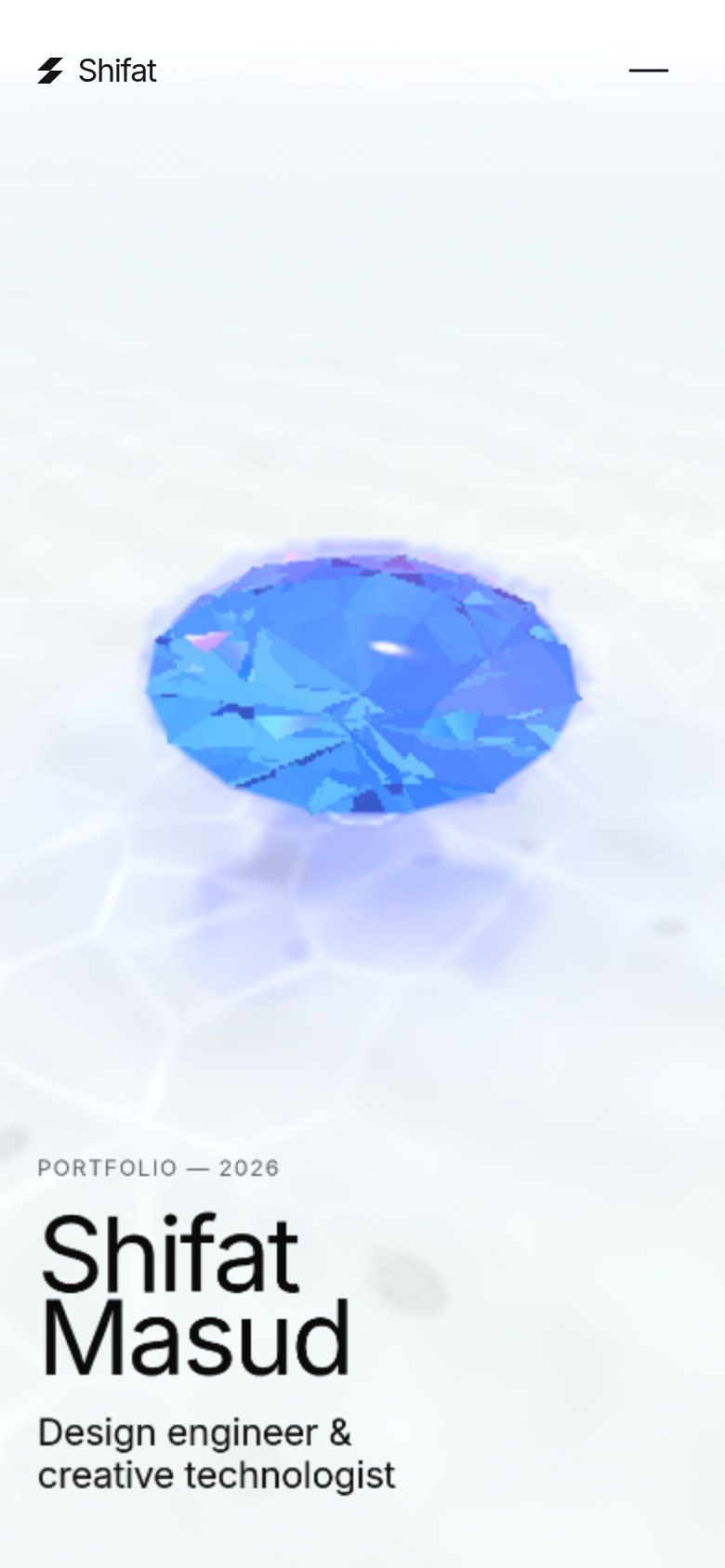
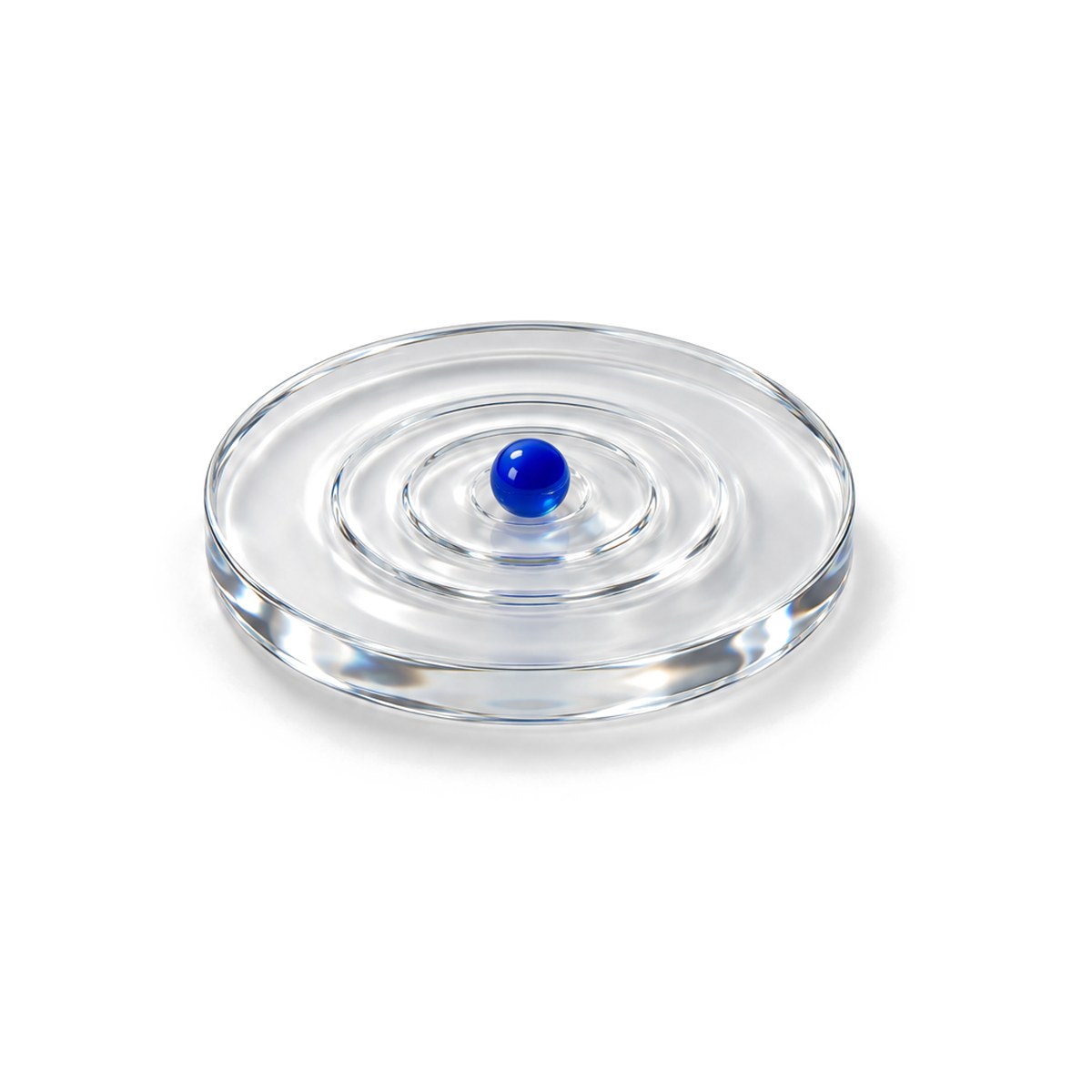
The lake is a real wave simulation on the GPU: a height field where your cursor or finger paints a small capsule-shaped push every tick. Three details made it feel right and stay fast:
- Same waves on every device. Desktop runs a 512² grid, phones 256². To make a ripple look and travel the same on both, the wave constant scales with the cell size. A phone gets a quarter of the work and the same ring.
- Fixed 60 Hz ticks. The sim steps at a fixed rate (with at most 3 catch-up steps per frame), so it behaves the same at any frame rate. It sleeps when the lake isn't on screen, and clears itself 8 seconds after the last touch.
- Caustics are light, not texture. Underwater, light lines come from how the wave surface bends sunlight: where the light folds together, it gets brighter. The shader computes that, adds it as glowing light (it never darkens), and splits it slightly per color channel for a fringe. Phones get a pre-baked tileable version of the same pattern: two texture reads, same look.
For phones, I also approved lower-resolution water and reflections. But I kept the sky exactly as it was. Some things you trade for speed; some things are the identity of the piece. Knowing which is which is a design decision, not an engineering one.
07
The hardest part: zero freezes on my own budget phone
 Remove the worst moment firstNo task over 50 ms
People who know this project know the answer to "what was hardest". I built it to run smooth on my own Samsung Galaxy M02s, the budget phone I use every day: a Snapdragon 450, an Adreno 506 GPU and 3 GB of RAM. If it stutters in my hand, it isn't done.
The moment it turned around was when I stopped saying "make it faster" and wrote down what success means: 0 freezes and 0 frame drops. In numbers: no task longer than 50 ms after the counter starts, and no frame longer than 33 ms through the preloader, a full scroll and a hard fling. You can't argue with that. Either the trace is clean or it isn't.
What got us there, release by release:
- Resolution ladders. The renderer adapts its pixel density, with a shared floor of 0.6 and phones capped at 1×. Text never drops below 1.5× density, so it stays sharp while the 3D gets cheaper.
- A governor that measures the GPU. At 60 Hz, a 6 ms frame and a 15 ms frame both look like 16.7 ms. Where the browser allows, we time the GPU's actual work and only raise quality when the measurement says the next step fits.
- Spreading GPU work over frames. A trace showed that most of the remaining startup freezes weren't JavaScript at all. They were the GPU being handed too much work at once. So the warm-up now has a budget per frame: how many new shaders, how many first-time render targets, and the reflection maps built one pass per frame. The longest startup freeze went from about 1.0 s to about 0.65 s on the test rig.
Between my own checks on the phone, Zero used a stand-in: a phone-sized browser with the CPU slowed 6×, so every release could be measured the same way. On that rig scrolling is clean: 0 frames over 33 ms. About 52 startup tasks are still over 50 ms there, so "zero freeze" isn't finished, and much of what's left is the rig's software graphics, not a real GPU. That's why the rig is only a stand-in. The real judge is my M02s, in my hand, every time.
Debugging on the devices that matter
The rig can't see a real GPU. So when the site failed on my PC, we stopped guessing and opened chrome://gpu: Edge 155 on Windows 10, an Intel UHD 600, 2 cores, 3 GB of RAM. It showed Chrome had switched WebGL off for the whole browser after repeated GPU resets. The ray-traced stone was more than that chip could hold.
My phone's report told the other half: an Adreno 506 with no parallel shader compile, so every new shader blocks the frame.
Those two pages became the spec. Weak GPUs now get a light path with the same layout and the same story, just cheaper light.
08
Sharp where the eye goes
 Heroes: 1.0×, sharpWorld: 0.5–0.75×, soft
The brief: “AAA, but fast on phone”. The judge: my Galaxy M02s. The bar: zero freezes, zero frame drops.
First try: brute force. Render the whole frame sharper, with more pixels, anti-aliasing and a sharpen pass. Everything got crisper, and heavier. My phone was paying for pixels nobody looks at, so I dropped the whole package.
Then I thought about how an eye, or a camera, sees: never everything in focus. So we split the frame in two.
World0.5–0.75× soft
Heroes1.0× sharp
The framethe eye lands on the sharp thing
- The world renders soft. About half resolution on phones (0.5–0.75×). Dreamy, like depth of field.
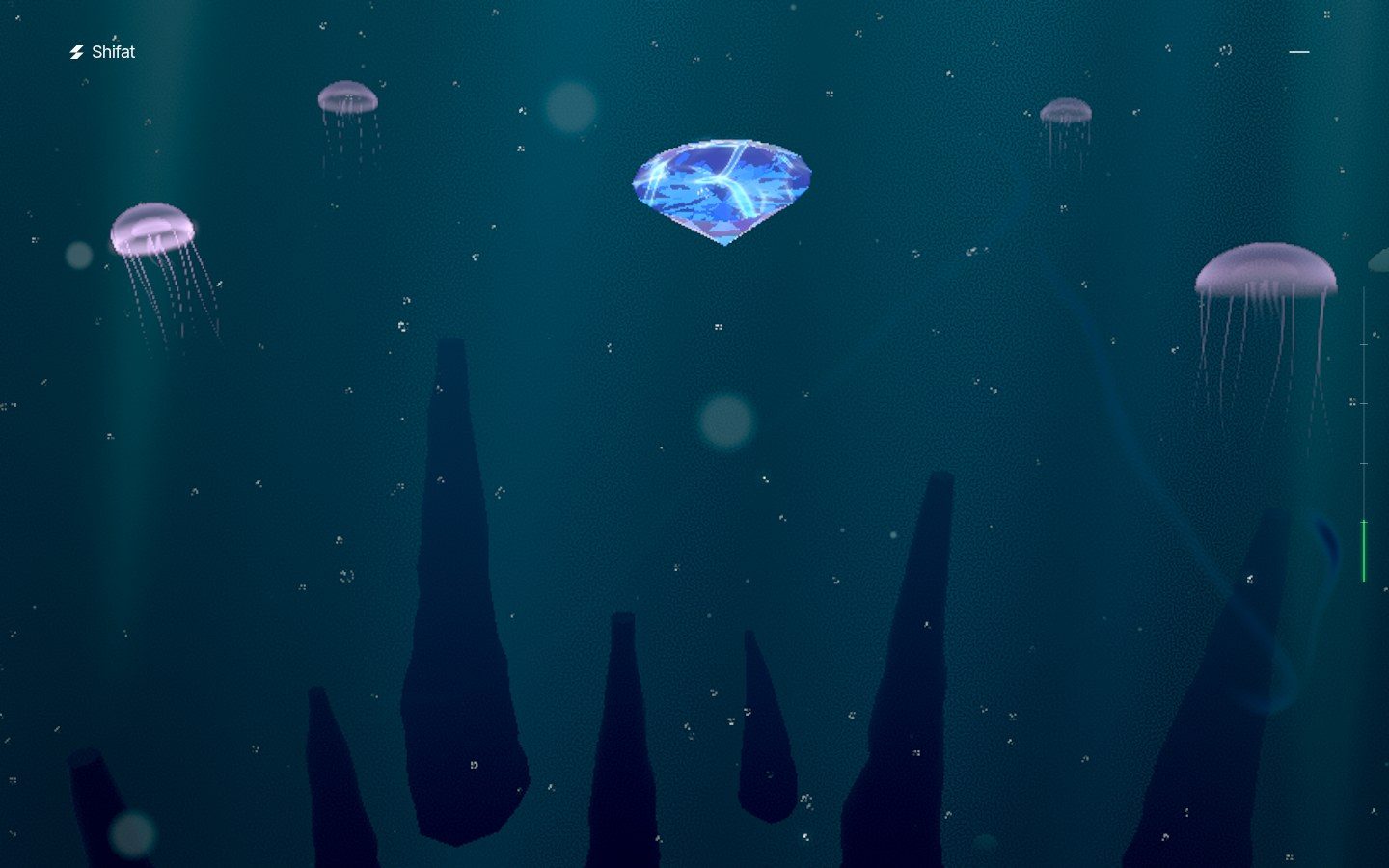
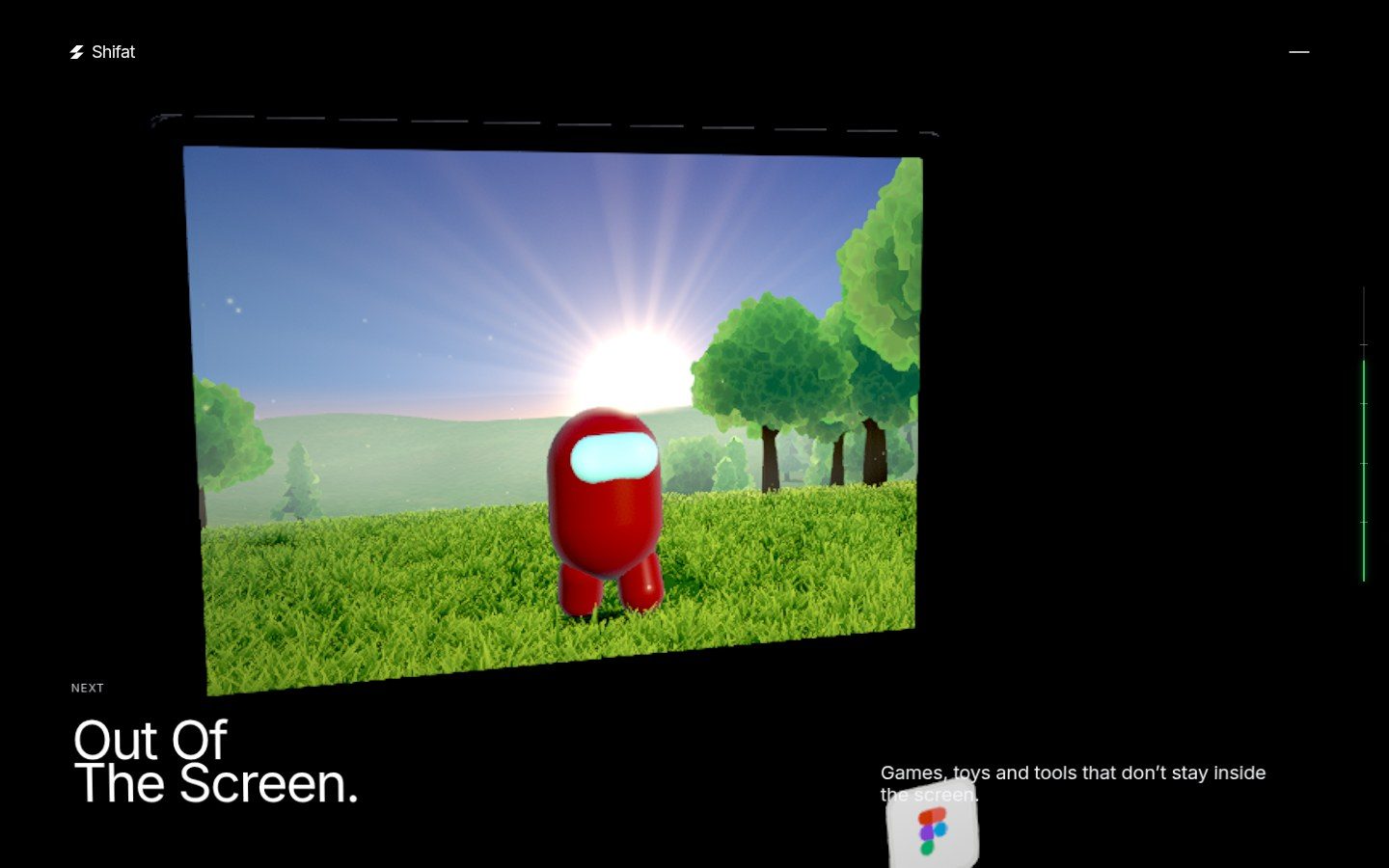
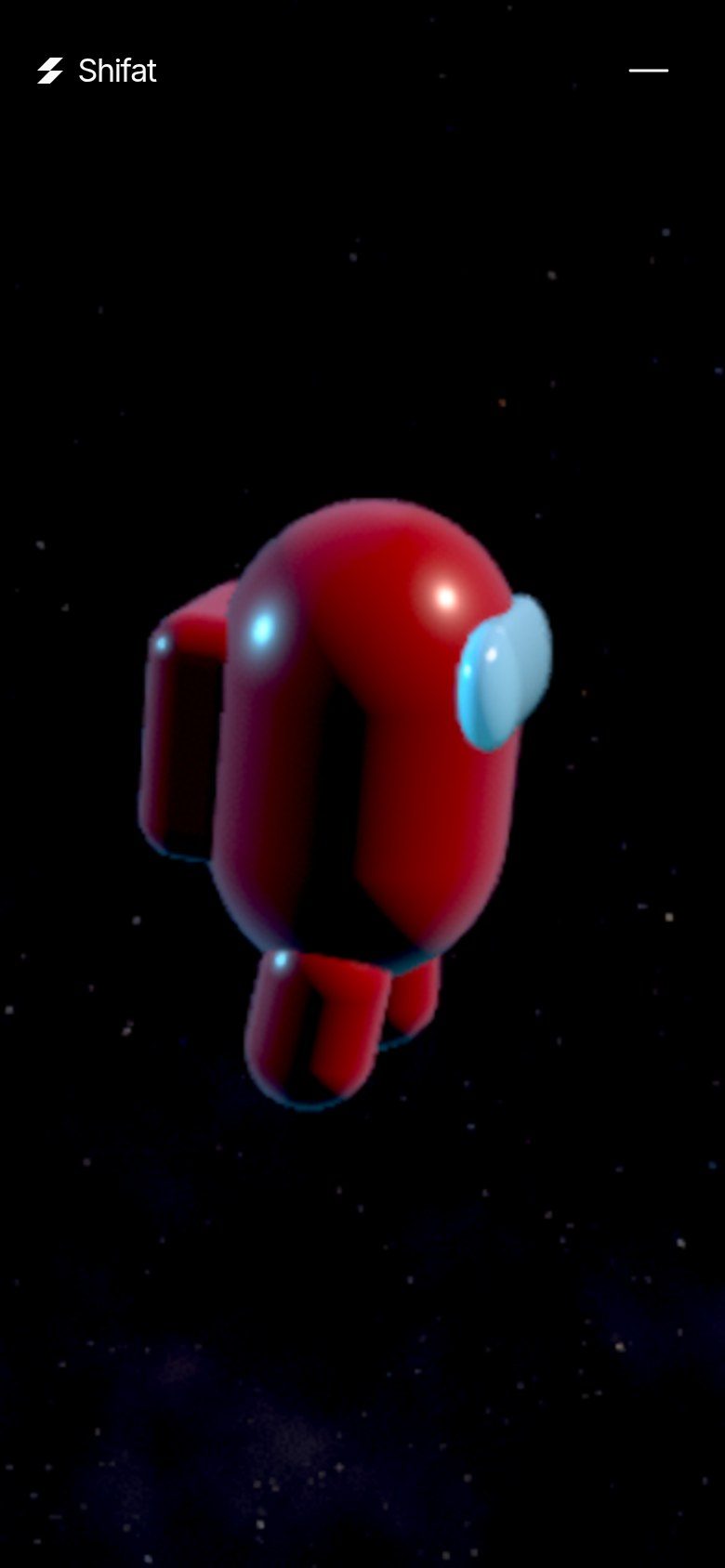
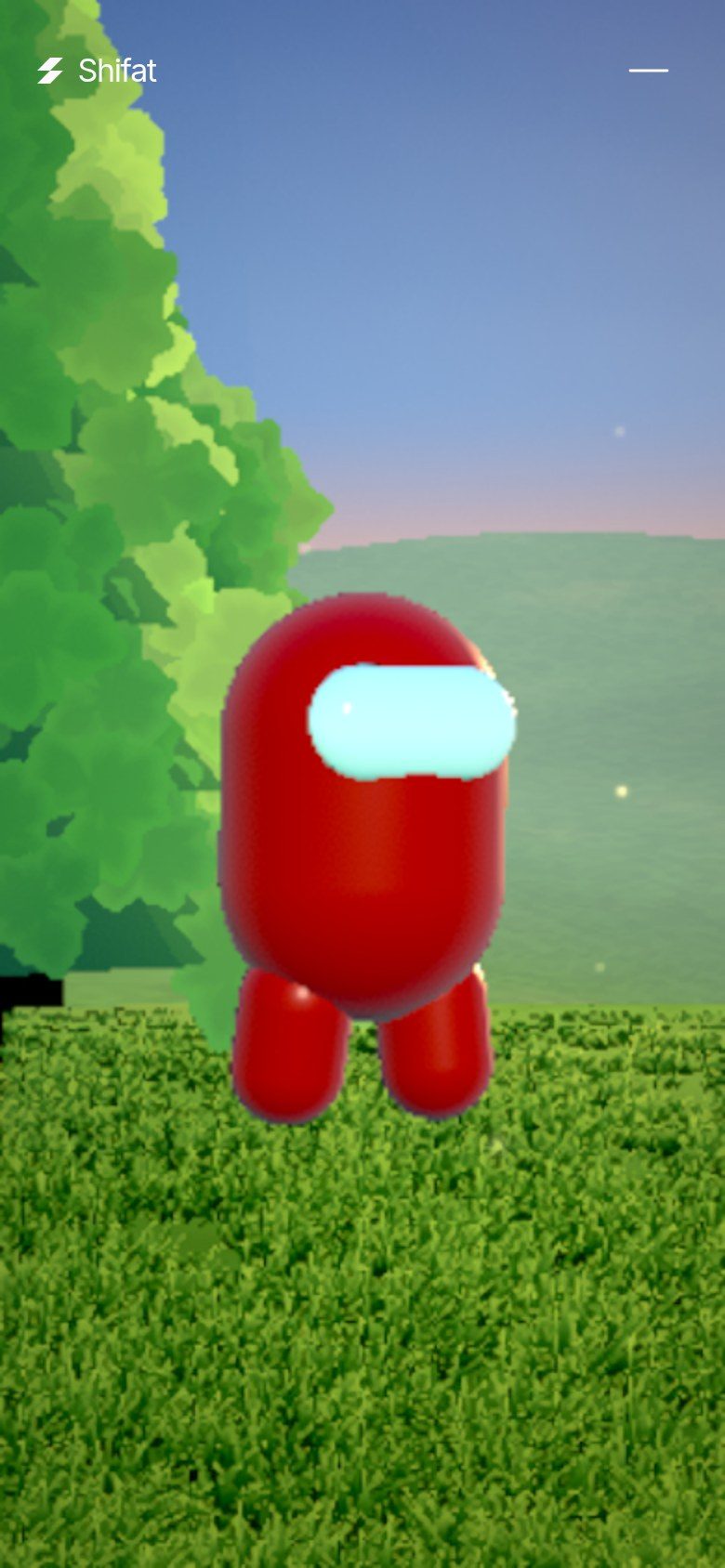
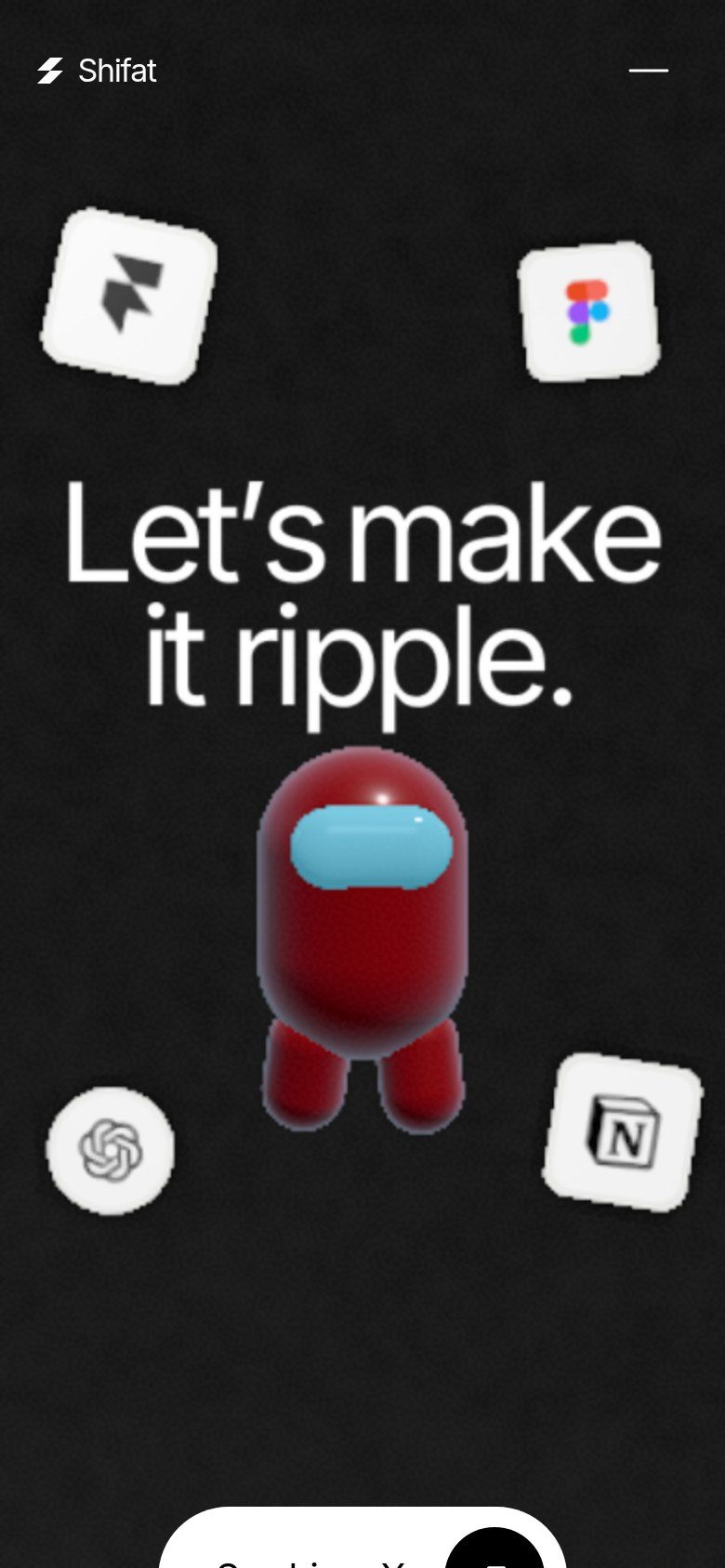
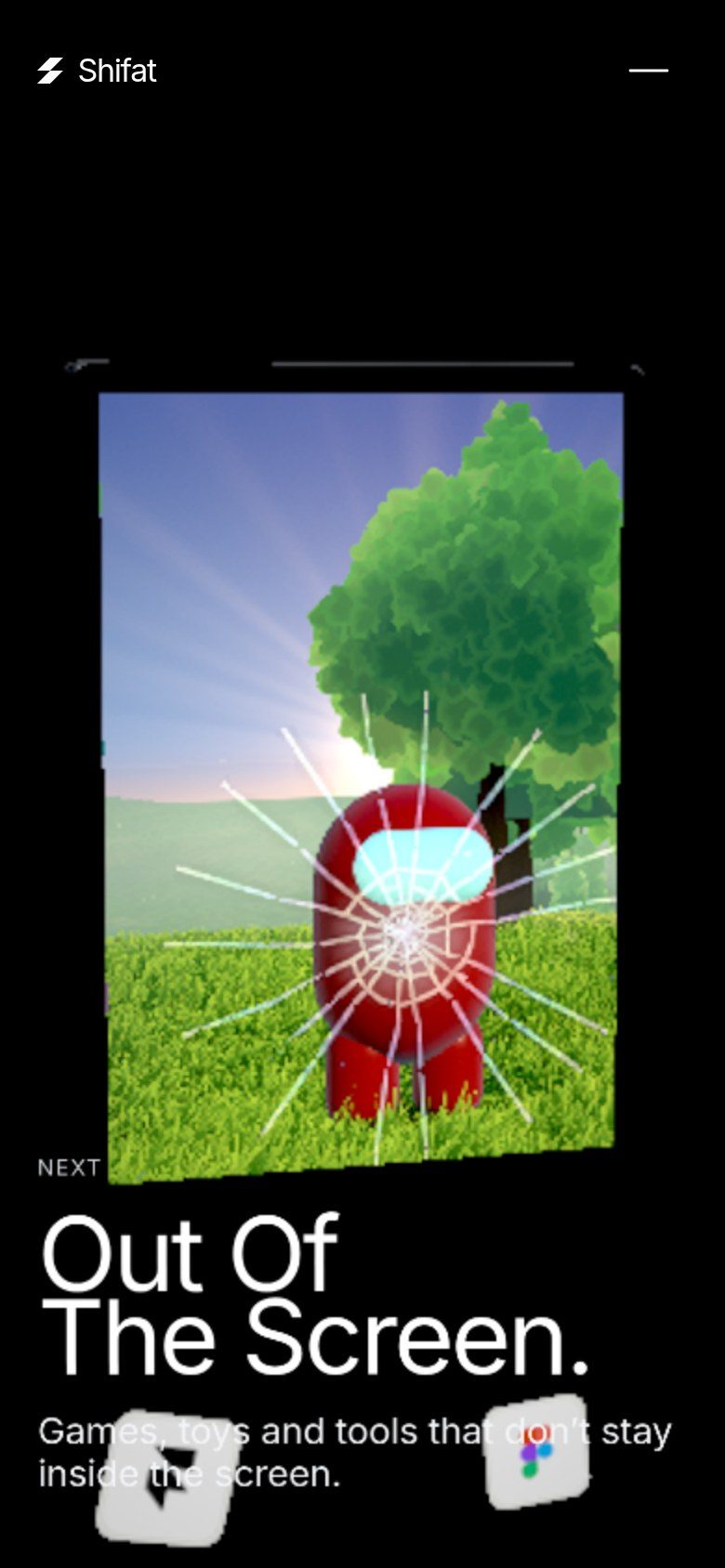
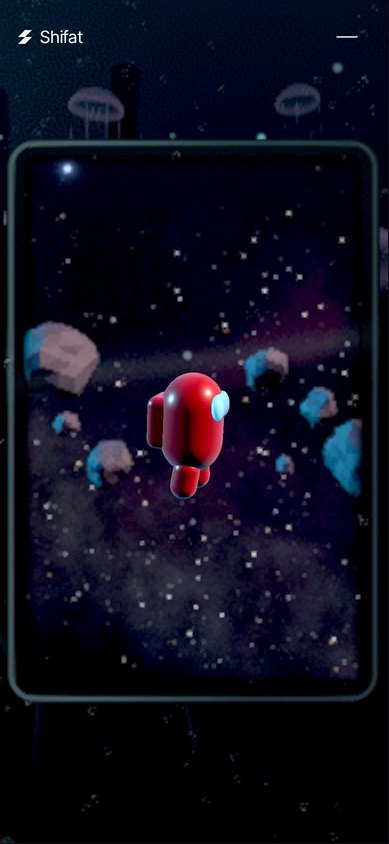
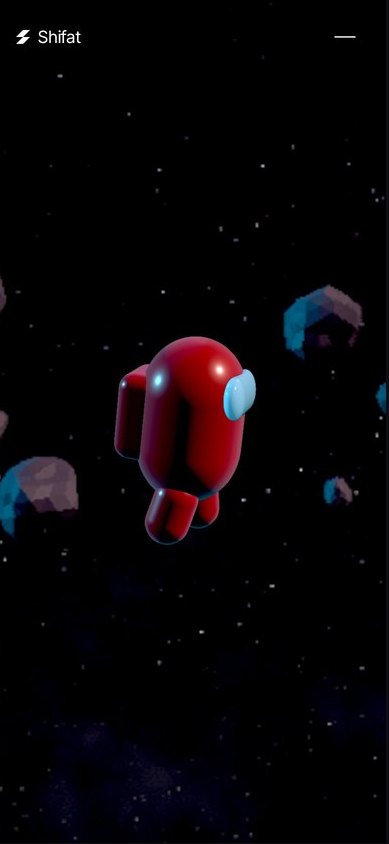
- Heroes render sharp. The stone, the crewmate, the tablet, every sticker, and my project images and videos get their own pass: 1.0× on phones, still twice as sharp as the world.
- Type gets its own density. The big GPU text renders at 1.5×, because letters show softness first. The cursor trail runs at 1.0×.
- The governor only touches the world. When the phone needs room, the background softens. Heroes never do.
Making it real: the sharp stone first ignored depth and looked pasted on. Wired to the live scene, parts and particles now pass in front of it, so the stone sits inside the atom. Dissolves are GPU particles, one draw each, capped per phone. And the dive into the tablet’s sky is one camera move through the glass. No cut.
Sound got the same care: a limiter gives the mix headroom so nothing clips, and on phones the glass shatter drops the deep bass and harsh highs tiny speakers distort.
The trade-off: heroes lose some glow on a budget phone. Worth it. My idea, built with Zero.
R7.08 “Riptide v1”: a new dimension
“It’s like a new dimension on performance optimization + higher resolution quality.”
Shifat Masud
Split resolution put the sharpness where the eye goes, but on my Galaxy M02s (Adreno 506) the edges still looked pixelated. The ask: sharp, clean edges with no performance loss.
We studied how lusion.co does it, then went back to first principles and flipped the question: don’t add anti-aliasing on top, remove what causes the jaggies. Remove causes instead of adding cost, and quality and speed can rise together. The main cause: anti-aliasing (SMAA) ran on a low-density buffer that was then stretched up to the screen, and the stretch brought the stairs back.
- The gem gets its own layer. 1.25× with 4× MSAA, resolved on-chip, which is cheap on a phone’s tile-based GPU.
- Fewer full-screen passes. Bloom and colour grade merged into one, and no sharpening on top of the upscale.
- Nothing shifts under your finger. Dither at full canvas density, one static density so the resolution never pops, and no rest-frame supersampling on phones: it made every touch shimmer and jitter.
- A bug found on the way. The trail-fade box sat in the wrong pixel space, about 14% off, and sliced objects with a hard line at section transitions. Fixed.
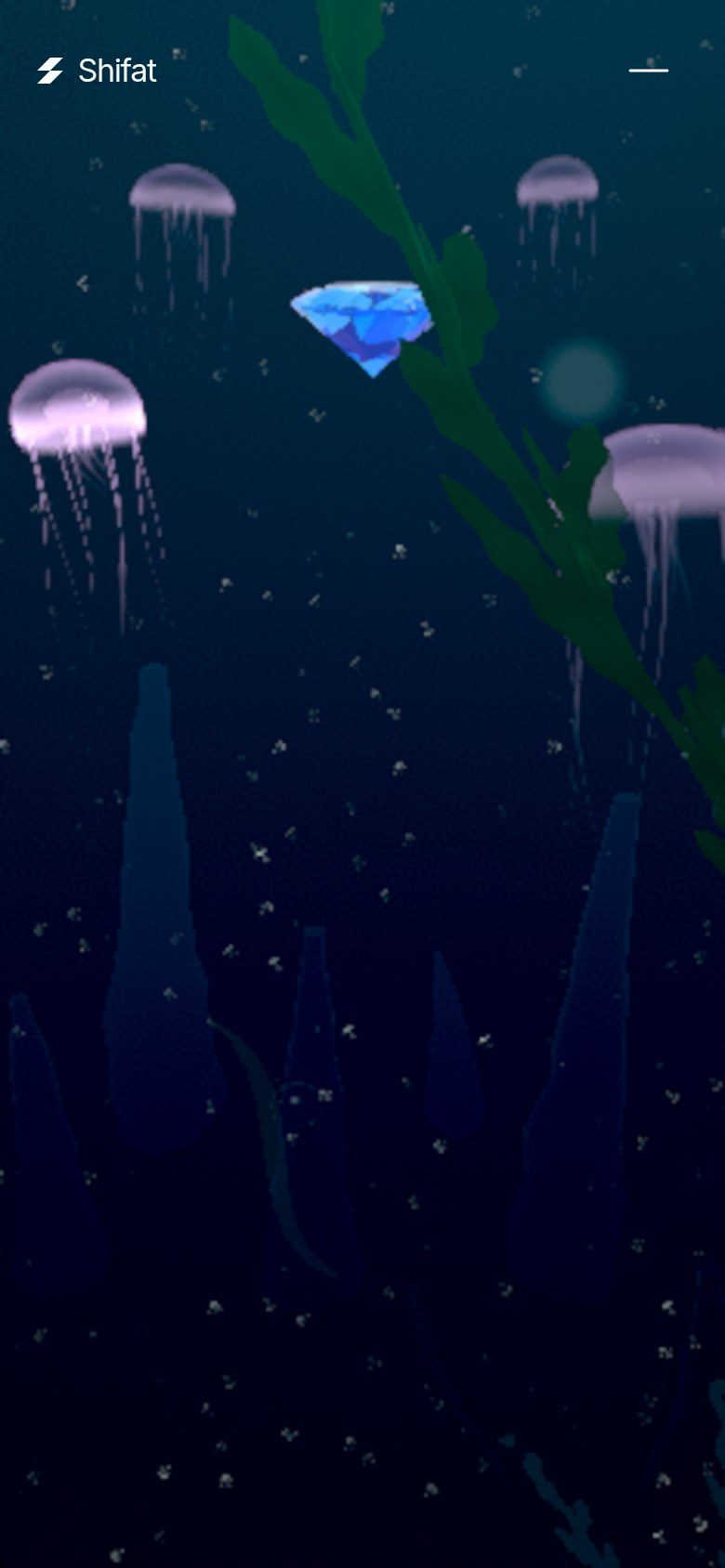
- The jellyfish. Rounder bells, tentacles never thinner than 1.5 px, and the Jelly Drag phone reel went from 189 to ~430 kbps.
Then the only test that counts: my own phone. My verdict: “Perfection.” It shipped as R7.08 and is locked as Riptide v1, the new restore point.
09
Key moments
 Turning points, not averagesR6.89 · gift moves to the end
- Release 3
The card that blacked out the screen
Closing a project card left the whole canvas black. The fix was small (a stalled video swapped for its poster, restored on close). The real win was a new end-to-end test: open a card, press Esc, scroll to the CTA, assert the screen isn’t black. Every bug became a test.
- Release 4
The cut
Two sections out, the page 35% shorter. The score jumped from 49.2 to 58.9, more than any visual effect gave us that day.
- R6 → R6.1
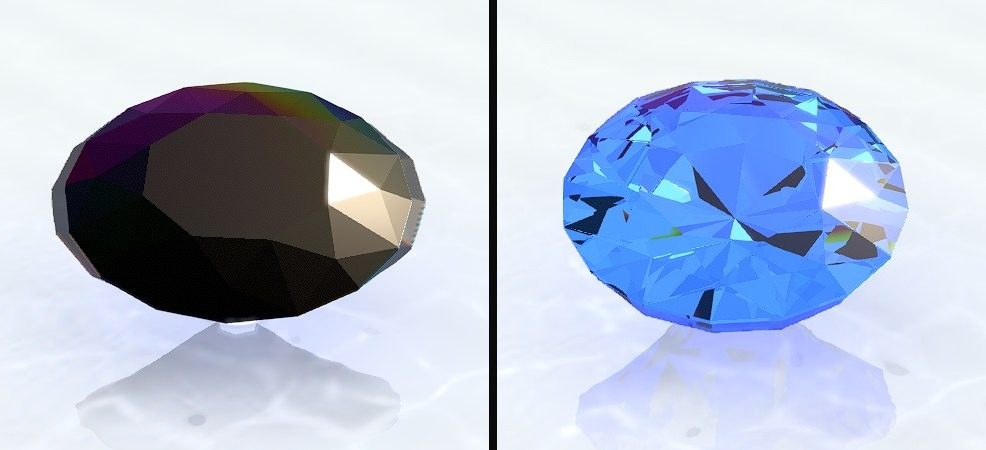
The stone gets its material
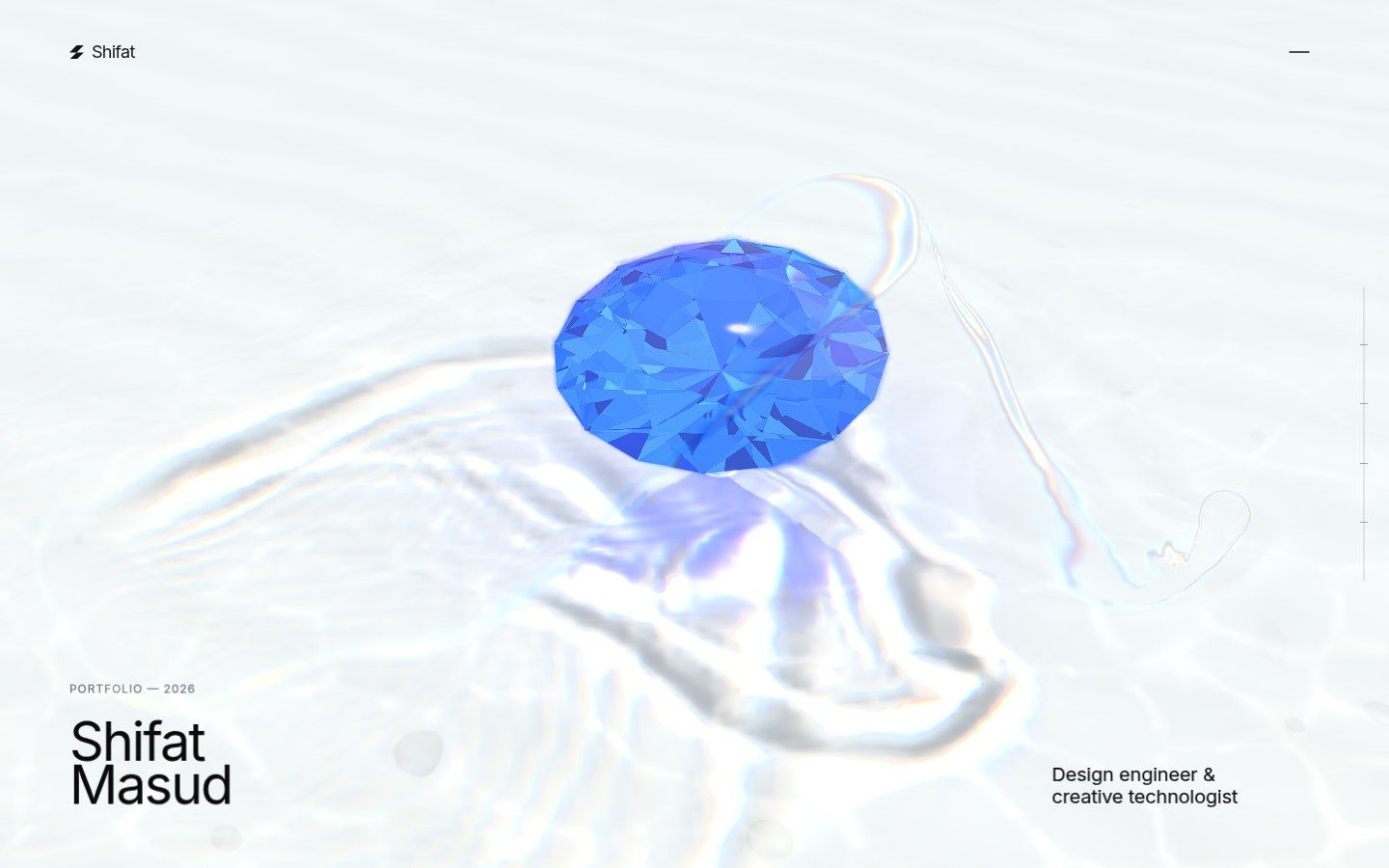
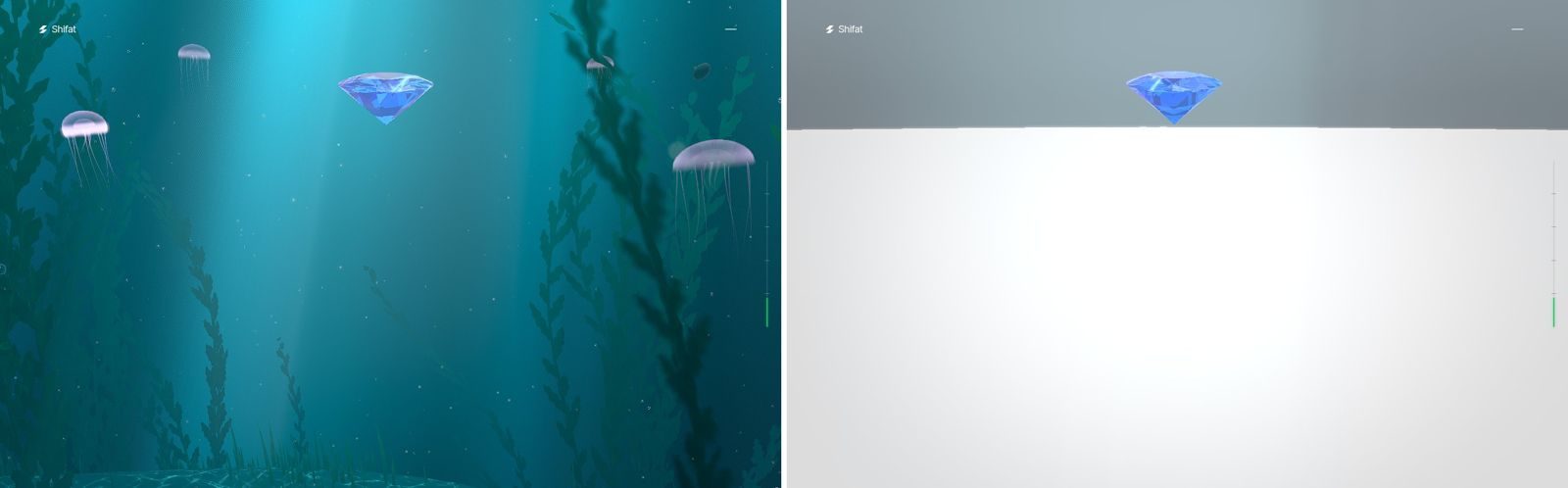
The floating stone went from a dark, muddy gem to clear, glowing blue glass. Same model, new light and material.
- R6.47
Trail parity, then a lock
After frame-by-frame comparisons, the cursor trail matched the feel I wanted. From then on, its files were locked: no one could touch them without my OK.
- R6.60
“Riptide”: a golden build
We froze a known-good release as a named baseline with its own branch. After that, a change had to be pixel-identical unless I said go, and there was always a build to roll back to.
- R6.62 – R6.64
My own design calls
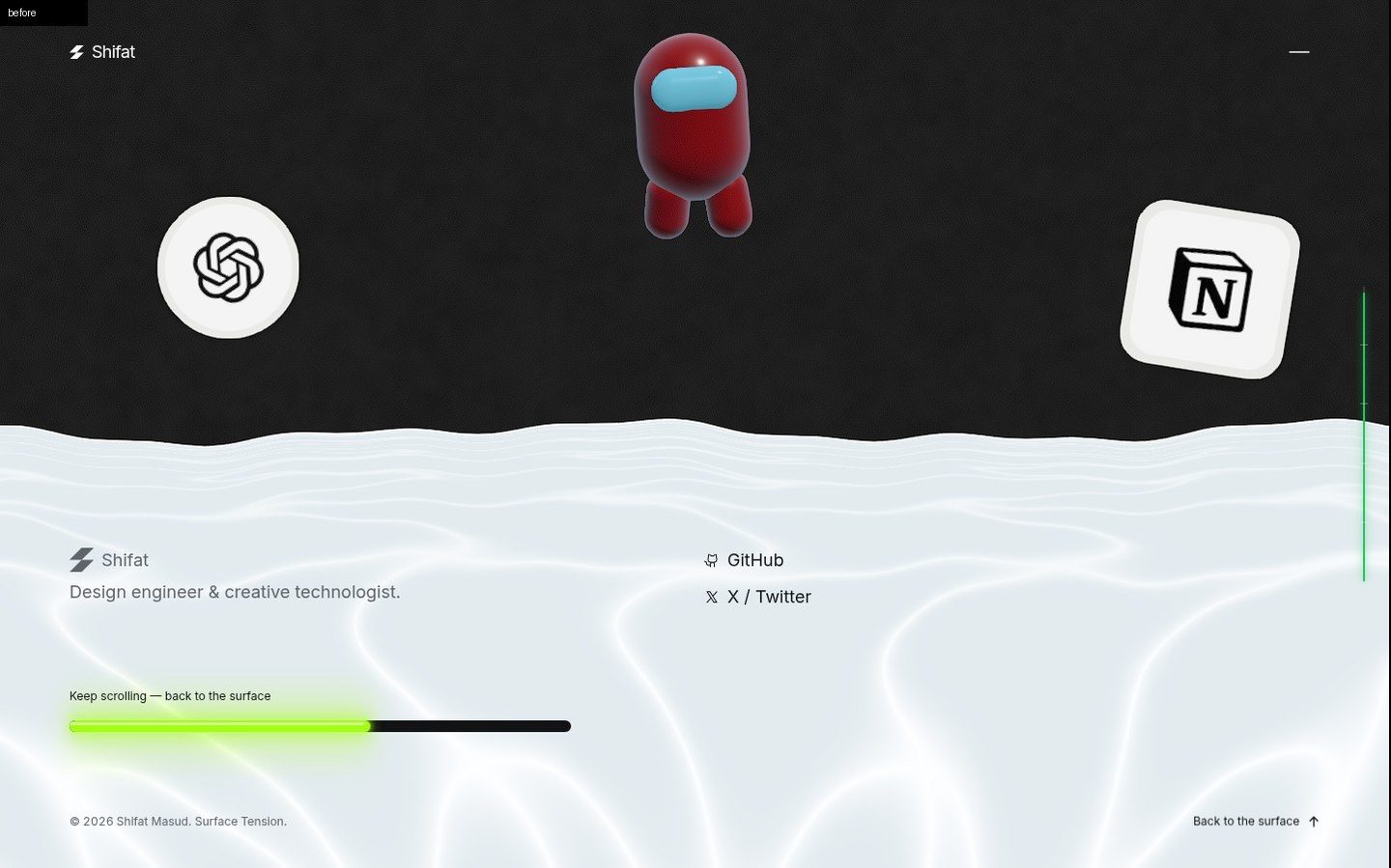
An iPad Pro as a live 3D window in the journey, and a footer drawn inside the WebGL frame with a lime glowing overscroll bar. Each one shipped only after I said go on a mock.
- R6.71
The void
A performance change made later chapters mount too late: scroll fast and you hit a white void where the dive should be. The automated key-frame check caught it before it shipped, and R6.73 fixed it properly.
- R6.76 – R6.77
Startup freezes cut
A trace showed most startup freezes were the GPU being fed too much at once. Budgeting shaders, render targets and reflection maps per frame cut the longest freeze from ~1.0 s to ~0.65 s on the test rig.
- R6.89
The gift moves to the end
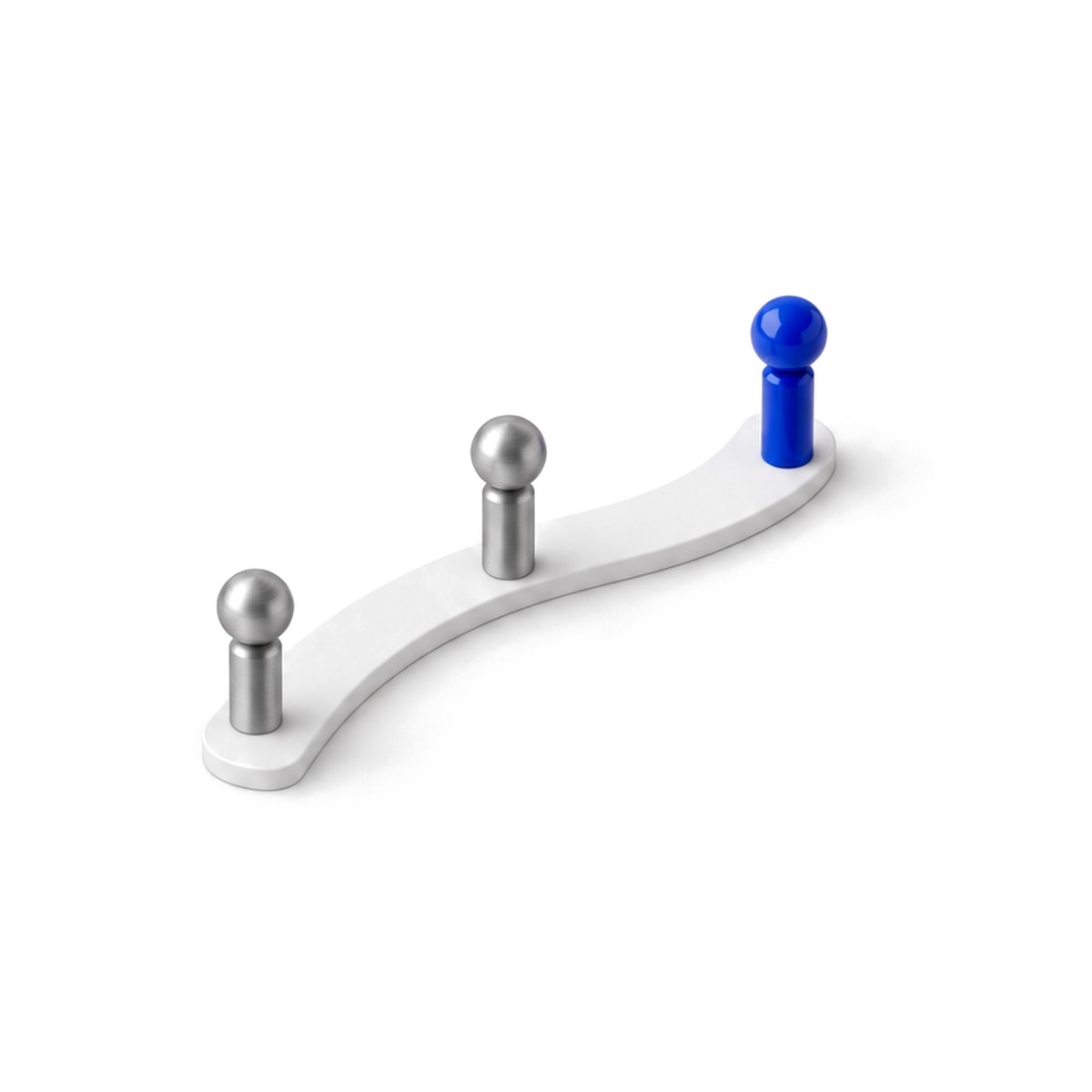
The hidden double-click on the logo retired. Now everyone who scrolls to the very end finds a hot-pink sticker that opens the gift.
- R7.08
“Riptide v1”: sharp on the budget phone
Clean edges on my M02s, a hard line at section transitions fixed, and smoother jellyfish. I tested it on my phone and said “Perfection”. It’s locked as Riptide v1, the new restore point.
10
UI design: big text stays GPU text
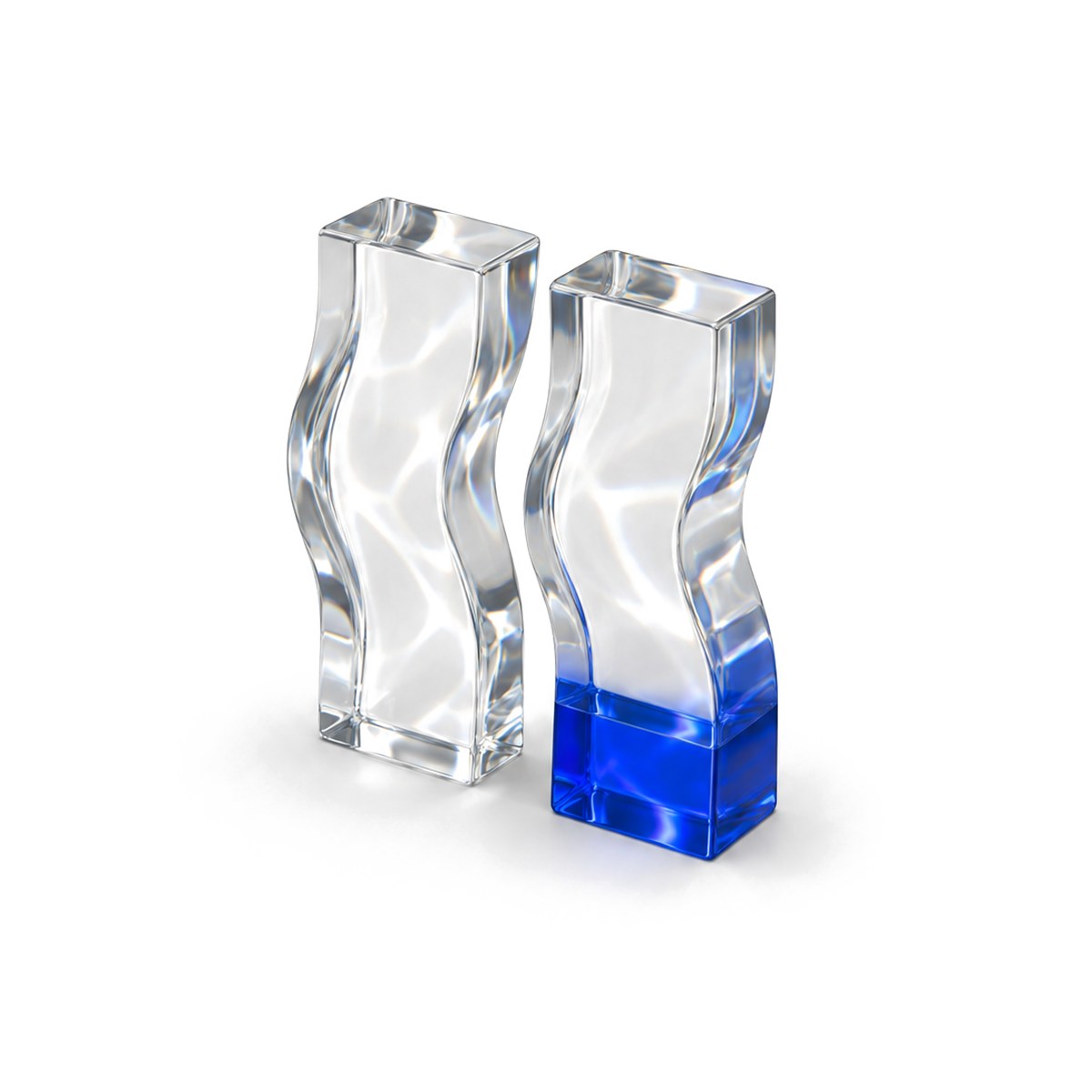 Letters bend with the waterMoves together, reads as one
The big type is rendered on the GPU, inside the same frame as the scene. At one point we tested moving it to regular HTML text for crispness. We built three versions, A, B and C. I looked at them and said no: "It looks bad. Not worth it." On the GPU, the letters can roll, bend and catch the water's light in sync with the scene. As HTML, they sat on top of the world instead of inside it.
The rest of the UI follows the same idea: the header ink, the rolling masked text, a cursor ring with a label (I removed the dot, it was noise), and a footer drawn inside the WebGL frame with a glowing lime overscroll bar that tells you the loop is coming.
11
Gifts for visitors
 Everyone who reaches the endThe scroll
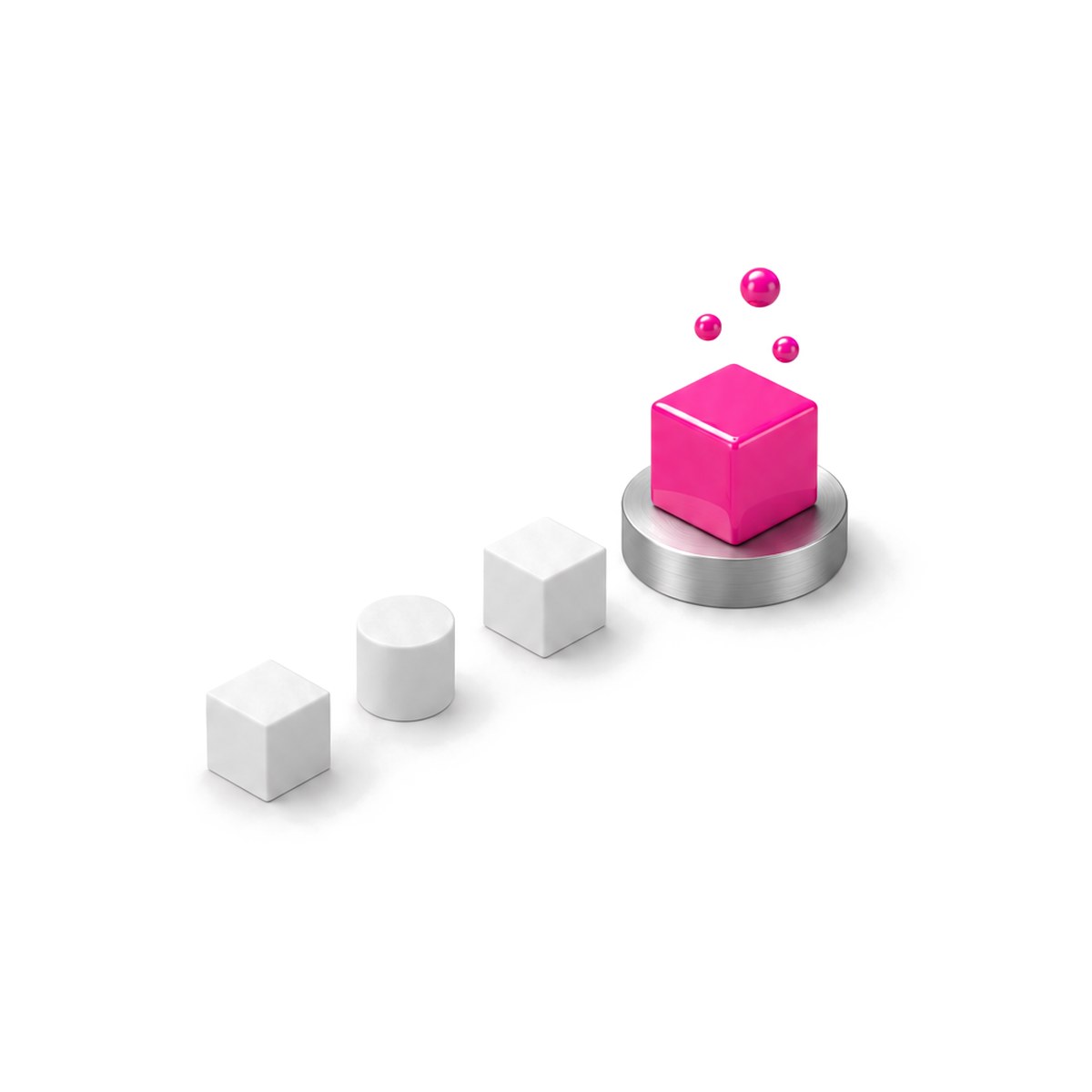
Everyone who reaches the very end gets a gift. A small hot-pink sticker gathers out of embers at the bottom of the footer, cut like the vinyl stickers on the CTA wall. Tap it and a 3D gift box opens. The same sticker waits at the end of this case study, because the two should feel like one site.
It started as a secret: a double-click on the logo. Then I changed my mind. A gift should be for everyone who stays to the end, not only for people who stumble on it.


- One colour for one thing. Hot pink appears nowhere else. The site is lime, so the eye finds the sticker without being told.
- Cheap until opened. The sticker is drawn on a tiny canvas at full screen density, as sharp as the heroes. About 1,400 points gather into it in 1.5 seconds, written straight into a pixel buffer, then it settles and nothing runs. The 3D gift loads only on the first tap.
- A real button. Tab, Enter and Escape all work, and focus comes back where it was.
12
Technologies & tools
 Three.js · R3F · custom GLSLPlaywright · Chrome traces · axe
- 3D and rendering
- Three.js (r170), React Three Fiber, postprocessing, custom GLSL shaders (water, caustics, trail, god rays, footer).
- App
- React 18, TypeScript, Vite, GSAP (its ticker drives the one clock), Zustand.
- Testing
- Playwright with a remote browser for key frames, a low-end phone profile (360×800 at 2× density, CPU slowed 6×) for freeze and frame-drop replays, Chrome performance traces, axe for accessibility (0 violations at 390 and 1440 px), Lighthouse.
- Shipping
- Vercel, with a rollback build saved for every release.
- Build partner
- Zero, who wrote, measured and shipped every release with me.
One note on Lighthouse: under its test conditions the site shows a lighter, no-WebGL fallback, so its score says nothing about the 3D on a phone. We never used it as proof of phone speed. Know what your tools are actually measuring.
13
How we work together
 Riptide v2 · the one restore pointThe gate · 0 locked diffs, same cost
This chapter is written during R7.10, the release I'm in the middle of. The goal: zero pixelation on my two devices, at no extra cost. Here is how Zero, my AI assistant, and I actually run it. It's the method I'd use on any project now.
- One benchmark, one restore point. The version that's live, riptide v2, is the reference for every comparison and the only copy we keep. Everything else lives in git. Work happens in one preview build, improved in place.
- Hard locks. A fixed list of files has to stay byte-identical to the benchmark: footer and CTA, the gift, the preloader, the cursor trail, viewport and scroll, styles. A build only moves on if the locked-file diff is 0. Only I lift a lock, one element at a time.
- Same cost, more quality. A build can't publish if it's heavier than the benchmark on my two real devices: my Galaxy M02s and my PC with an Intel UHD 600. Any headroom goes into sharpness. Speed is reported against the benchmark (0.95×, 1.00×) and marked simulated until it's measured on the real hardware.
- Scene by scene. Each preview release fixes one scene completely on both devices: the hero lake, then the footer asteroids, then the dive, then the rest. One scene at a time makes every bug easy to place.
- Real eyes, then clean eyes. My phone catches what emulators miss. After every build, a fresh reviewer that isn't told what changed captures the scene frame by frame next to the benchmark and returns a ranked bug list.
- Many hands, one publisher. A Builder, a Patcher that hands over patches, and the Reviewer work at the same time. Only the builder can publish.
- Truth rules. No speed claim until both devices are measured. "Live" only after the checksums match on every URL. Every claim is checked before it reaches me, and a mistake is corrected the moment it's found.
- A steady rhythm. A short update every 10 minutes. I steer in a few words. A decision is written down once, then followed.
What my phone caught
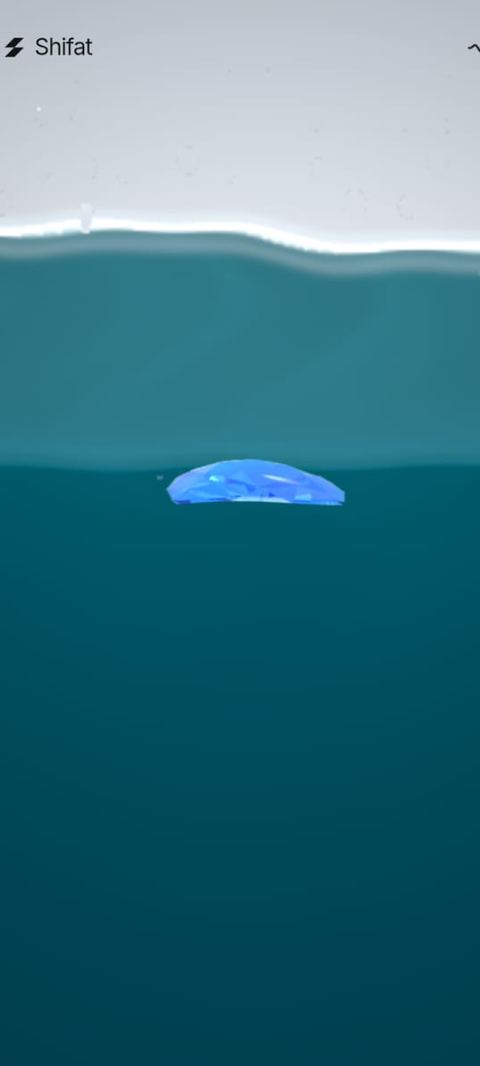
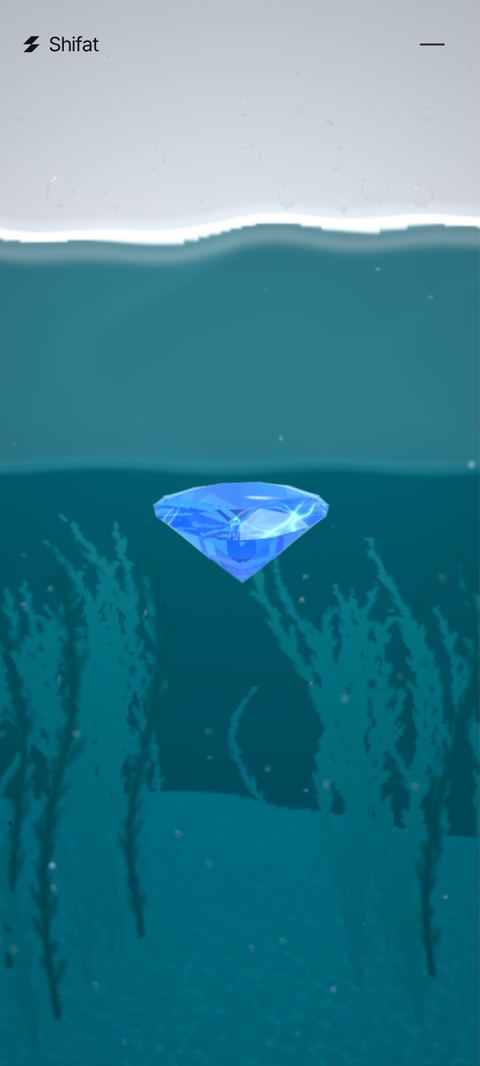
In build 5, my phone showed the stone sliced flat where it meets the lake. The test browser had missed it. A new lake layer never got told its screen size, so its underside covered the stone's lower half. Zero reproduced my screenshot, found the cause and fixed it in the next build. The clean reviewer, told nothing, found the same cut on its own.
Who does what
How a lock gets lifted
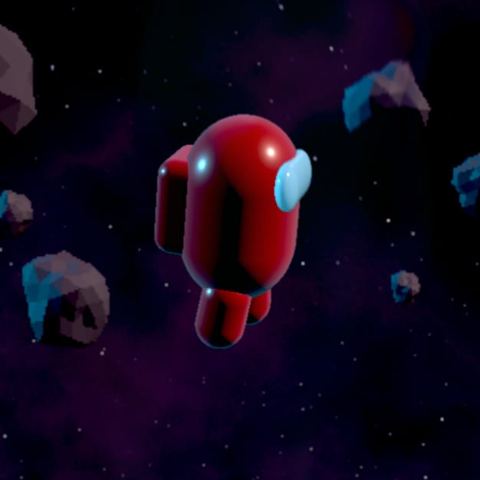
Pixelated, looks cheap
Agreed, the asteroids are blocky. That's the footer, which you hard-locked. Unlock just the asteroids so I can make them sharp at the same speed? Footer timing and motion stay exactly as they are.
Yes/No
Unlock
14
What I'd tell you to steal
 Answer within a frameEnd on a gift
- Answer within a frame. The feeling of control comes from the screen moving with you, not from how much moves.
- Remove the worst moment first. People remember the stutter, not the average.
- End on a gift. The last moment is the one people carry away.
15
Credits
- Design & development
- Shifat Masud, built with Zero.
- Inspiration
- lusion.co, for the cursor trail and the scroll feel.
To everyone in my life: you inspired this.